
S—01
Robotics
2 DOF Arm Simulator
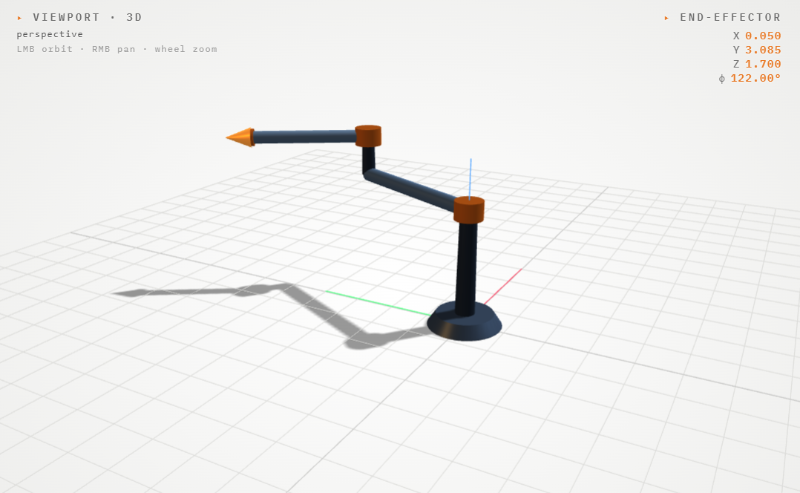
Forward and inverse kinematics of a 2-axis planar arm. Adjust DH parameters, drag the target, and watch the arm solve in real time.
Live
Launch →
A growing library of simulators and calculators designed to simplify complex robotics and engineering concepts.
Forward and inverse kinematics of a 2-axis planar arm. Adjust DH parameters, drag the target, and watch the arm solve in real time.
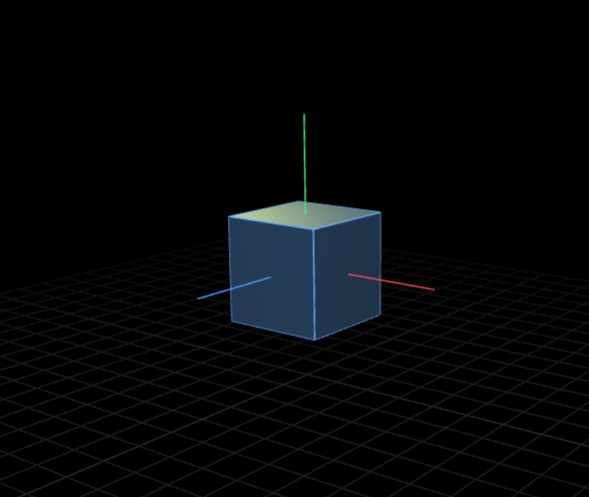
Toggle degrees of freedom on a 3D object and see exactly what each DOF means. Includes real-world presets, door, drone, robot arm.
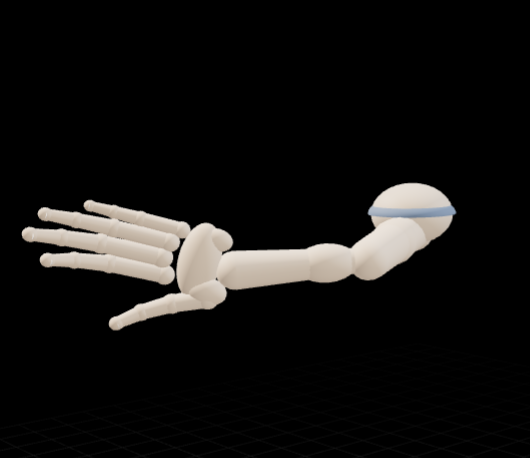
26-DOF interactive hand model. Pose each joint individually or apply presets, fist, pinch, wave. See how biological DOF compares to robots.
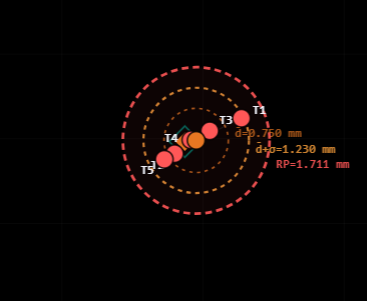
Enter measured trial positions for a 2-DOF arm and compute ISO 9283 accuracy and repeatability. Scatter plot and bar chart generated live.
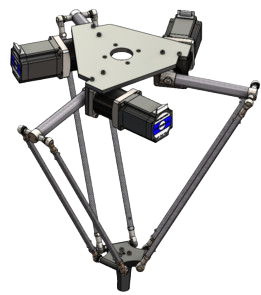
A 3-arm parallel delta. Configure base, arm and platform sizes, drive the motors, and solve targets in 3D.
A 3-tower linear delta (Rostock-style). Slide the carriages up and down, solve targets, and trace paths through the prismatic workspace.
Simulate SLAM, path planning and obstacle avoidance for an AMR.
Model and control a 6-axis industrial arm with trajectory planning.
Explore impedance, resonance, and phase response interactively.
Simulators are companion tools to Orca workshops. Students use them during sessions to verify real-world builds.
See Workshops →